
You can open by Visiting our homepage "Create Resume" or by clicking above "Make Resume" From navigation scrollable bar.
A Details Steps to Create Your Professional Resume for your Career (Step-by-Step Guide)
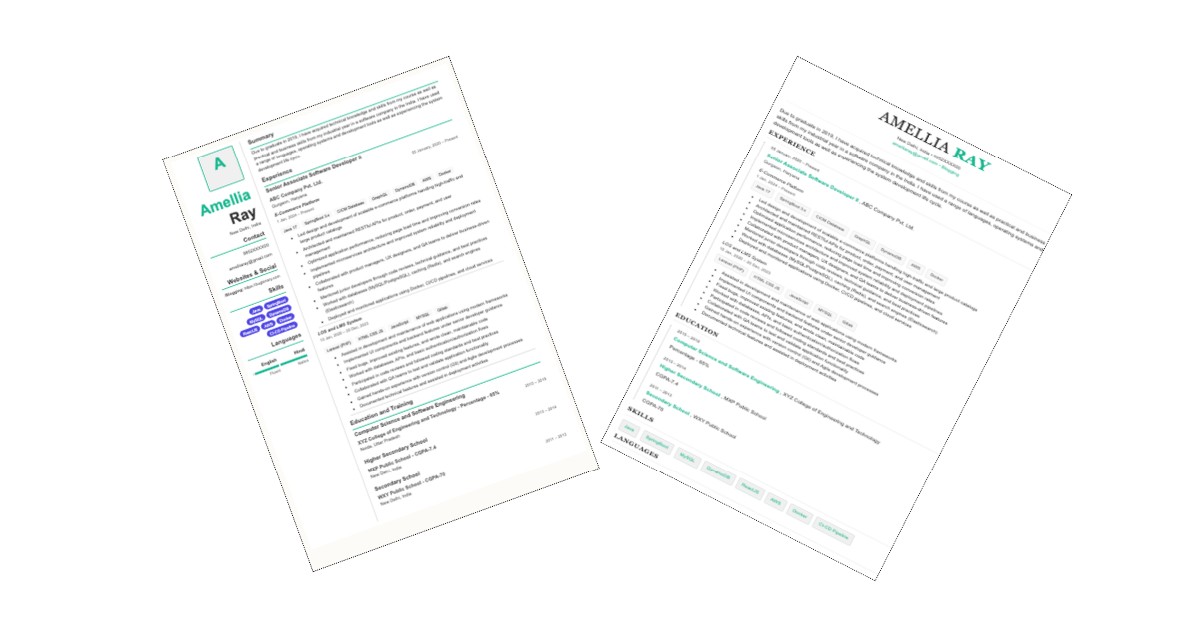
You can open by Visiting our homepage "Create Resume" or by clicking above "Make Resume" From navigation scrollable bar.
If you want to show you photo or image on your Professional Resume then choose photo from you Gallery and Upload
There are different sections for your details.
👉 NOTE: Each section except Personal Information, Summary, Skills has "Add More Fields" If you want more Fields in any section then you can Add by here.
Here Add your personal information. Atleast fill those which one is mark as *. This is mandatory fields.
Fields #1: All Fields are
For Make Your Professional Resume Click Here
Here you will add you professional career summary
For skill you can by comma (,) separated
Mistake #1: Points to Note
For technical Skills like Java etc. you can Add Java , NodeJS , HTML CSS JS , ReactJS
Here you will add all different work experiences with your projects.
All Fields are:
👉 NOTE: Add more experience details. If you have worked on multiple projects within the same organization, you can include each project separately.
Here you will add all education details.
All Fields are:
👉 NOTE: Add more education details.
Indicate your level of proficiency in each language you know to your recruiter or interviewer
With All Fields are:
If you have any certifications then you can add.
With All Fields are:
If you have any projects link like Github / Gitlab repos or anything which you want to show in resume then add here.
With All Fields are:
This is custom fields. If anything which are not mention in Resume Maker then you can add here and show in your professional resume.
With All Fields are: